Everything in Kromvia
The launcher handles versions, mods and Java. The built-in client adds the menu, HUD and cosmetics on top of every instance.
Launcher
Any version, any loader
Releases, snapshots, beta and alpha. Fabric, Quilt, Forge, NeoForge, Legacy Fabric and Ornithe, and the launcher downloads the right Java for each one.
Tuned out of the box
The Max FPS, Balance and Quality presets install Sodium and similar mods from Modrinth and size the JVM memory to your RAM.
Modrinth and CurseForge
Search mods, resource packs, shaders and datapacks for your exact version. Kromvia installs the dependencies for you.

Safe mods
Kromvia checks every file against its hash. Anything that matches known malware goes to quarantine before the game starts.
Bring your instances
Import from Prism, MultiMC, CurseForge App, Modrinth App, ATLauncher, GDLauncher or the official launcher.
Worlds, servers, screenshots
Back up and copy worlds, ping and pin servers, and browse screenshots. When the game crashes, the analyser suggests a fix you can apply in one click.
Rooms
Open your singleplayer world to friends with a code. You don't need a server or port forwarding.
Friends and chat
See who's online and what they're playing, chat with them, and join their party in one click.
Profile and badges
Your skin, cosmetics, likes and badges, on a public page at kromvia.com/u/yourname.

Built-in client
Runs on Fabric and Quilt for Minecraft 1.15.2 to 26.3, and on Forge and NeoForge for 1.20.6 to 26.3. Press Right Shift in any instance to open it.
Right Shift menu
One menu for every module. Drag HUD elements around, change colours and switch modules on or off. It comes with every instance.
PvP that stays fair
Keystrokes, CPS, combo and reach displays, hit colours. There is no reach hack, killaura or X-ray, so the client won't get you banned.
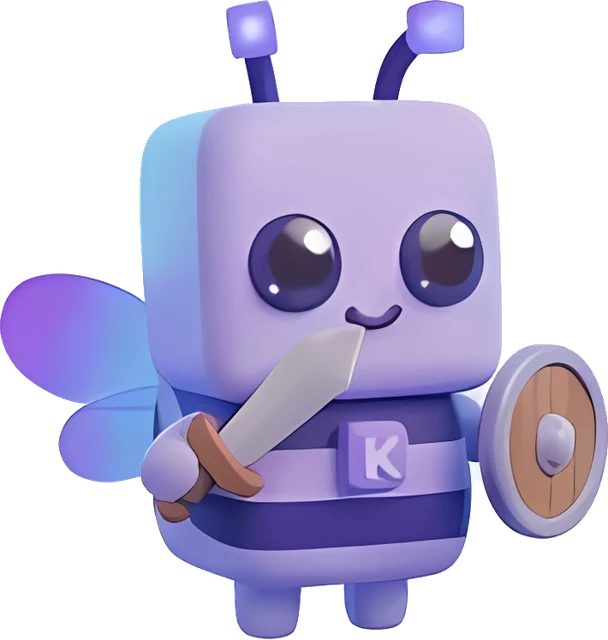
Cosmetics
56 voxel items and 10 full costumes: wings, helmets, horns, armour and weapons. Other Kromvia players on your server see them too.
Visuals
Motion blur, trails, jump circles, your own crosshair, fog off, and control over time and weather.
PvP 31
- 1.7 Animations
- Armor Status
- Armour Break Alert
- Attack Indicator
- Bow Charge
- Combo Counter
- CPS
- Crosshair
- Damage Tint by Type
- Durability Alert
- Freelook (hold Alt)
- Health
- Held Item Count
- Hit Bubbles
- Hit Colour
- Hit Particle Colour
- Hit Particles
- Hit Sound
- Hitboxes
- Item Counter
- Keystrokes
- Low HP Warning
- Potion Effects
- Reach Display
- Snaplook (hold V)
- Stretched 4:3
- Target HUD
- Target Marker
- Totem Pop Counter
- Totem Pop Effect
- Visible Damage
HUD 33
- Biome
- Clock
- Compass
- Coordinates
- Day Counter
- Detailed Armour Bar
- Effect Bars
- Effect Timers
- Elytra HUD
- Food & Saturation
- FPS
- Free Slots
- Light Level
- Looking At
- Lyrics
- Memory
- Movement Status
- Music
- Nearby Players
- Nether Coords
- Pack Display
- Ping
- Player Count
- Rotation
- Scoreboard
- Server Address
- Server TPS
- Session Time
- Speed
- Stopwatch & Timer
- Vanilla HUD
- World Time
- XP Level
Utility & visuals 55
- Ambience
- Auto GG
- Auto Respawn
- Behind You (hold V / B)
- Better Chat
- Block Outline
- Bobbing
- Camera
- Chat Filter
- Chat History
- Chat Macros (F6-F9)
- Chat Timestamps
- Chat Tools
- China Hat
- Clear Weather
- Colour Blind Filter
- Confirm Disconnect
- Crash Patch
- Custom FOV
- Custom Sky
- Death Coordinates
- Easy Place
- Frame Report
- Freecam
- Gamma per Dimension
- Glint Colour
- Hand Position
- Hand Sway
- Hide Scoreboard
- Inventory
- Inventory Scale
- IRL Weather
- Item Physics
- Item Tooltips
- Jump Circles
- Kromvia Font
- Kromvia Players
- Low Fire
- Motion Blur
- Nametags
- No Fog
- No Hurt Cam
- No Pumpkin Blur
- Numeric Tab Ping
- Overlays
- Particles
- Party Pings
- Screen Colours
- Show Welcome Guide
- Smooth Hotbar
- Sound Volumes
- Time Changer
- Toggle Sneak
- Trails
- Weather